
There are a variety of blood glucose meters available on the market.
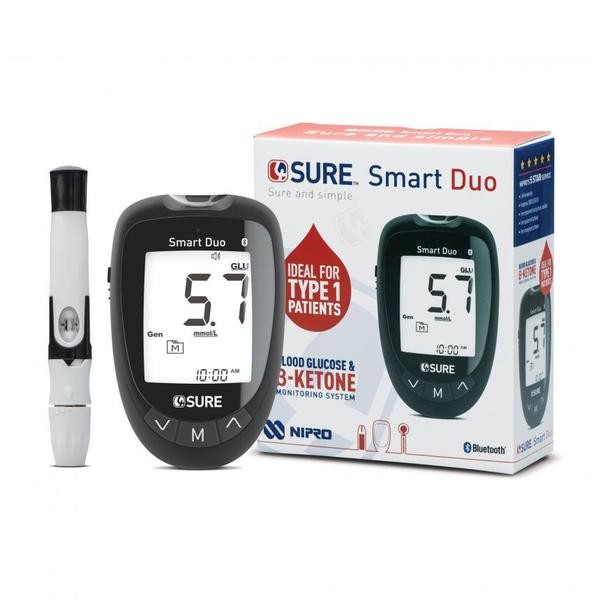
We use the 4sure Smart Duo meter which links via Bluetooth with a smartphone to provide bolus advice and upload your data to the cloud. This page describes the steps required to set yourself up with this meter.
Step 1 – Contact company for meter and code
Order your free 4SURE Smart Duo blood glucose meter from Nipro Diagnostics UK Ltd. You must also obtain a code from Nipro, to allow you to link the meter with Diabetes:M app.
Please contact Nipro customer service on 0800 08 588 08 (Option 1), or email diagnostics-UK@nipro-group.com
It can take up to five working days for the meter to be delivered to you. Be sure to order in plenty of time before any training that is scheduled. You will be shown how to use the meter and the Diabetes:M bolus advisor app during this training.
Step 2 – Download the Diabetes:M app
The 4SURE Smart Duo meter links to the Diabetes:M app on your phone to provide bolus advice and to upload and share your data.
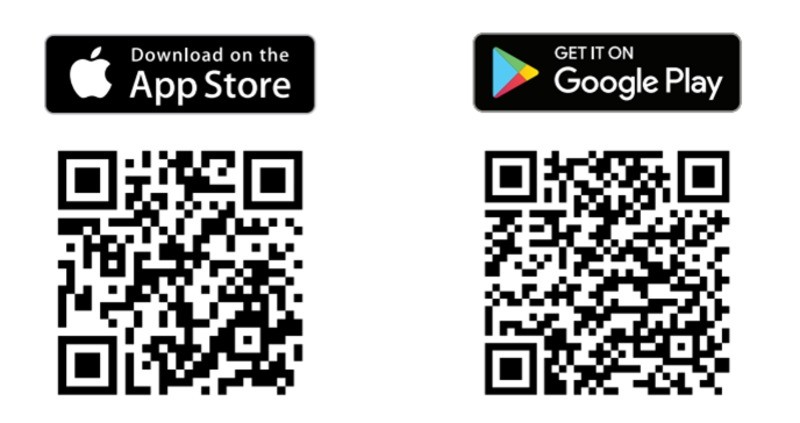
Diabetes:M is available on both Google Play and App Store. To download the app, just go to your device’s store and search for Diabetes:M, or scan the QR code below for quick navigation.
Diabetes:M works with both Android and iOS devices, including phones, 7’’ and 10’’ tablets. The supported OS versions are:
- Android: KitKat (4.3) or higher. Recommended: Lolipop (21) or higher.
- iOS: Version 9 or higher. Recommended: iOS 10 or higher.
Diabetes:M is free to use for children and young people attending DOT clinics. The DOT team will supply you with a code to enable full app functionality and data sharing with the team.
Please do not select the Get Premium option within the app, as this will prompt you to enter payment details and prevent data sharing with the DOT team.
To download the Diabetes:M app, follow the links below:
- Download the Diabetes:M app on the Apple App Store
- Get the Android version of the Diabetes:M app on Google Play
Or, scan the QR codes below with your smartphone:
Step 3 – Get your current meter settings
Your Diabetes:M app will need to be set up with your current Insulin to Carbohydrate Ratio (ICR) and Insulin Sensitivity Factor (ISF). Ask the team if you need help with this.
Visit the Nipro website to get your own free access code.